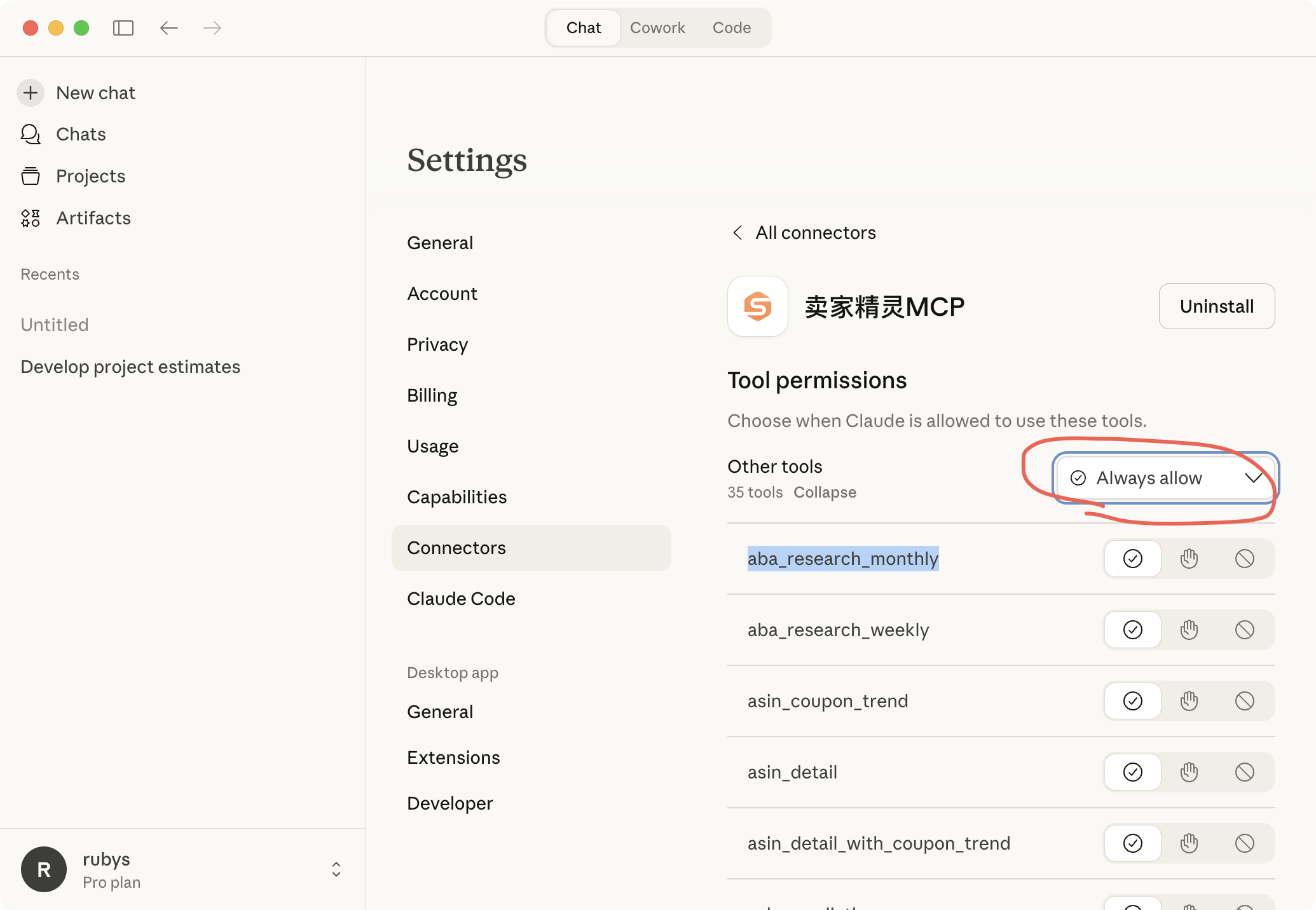
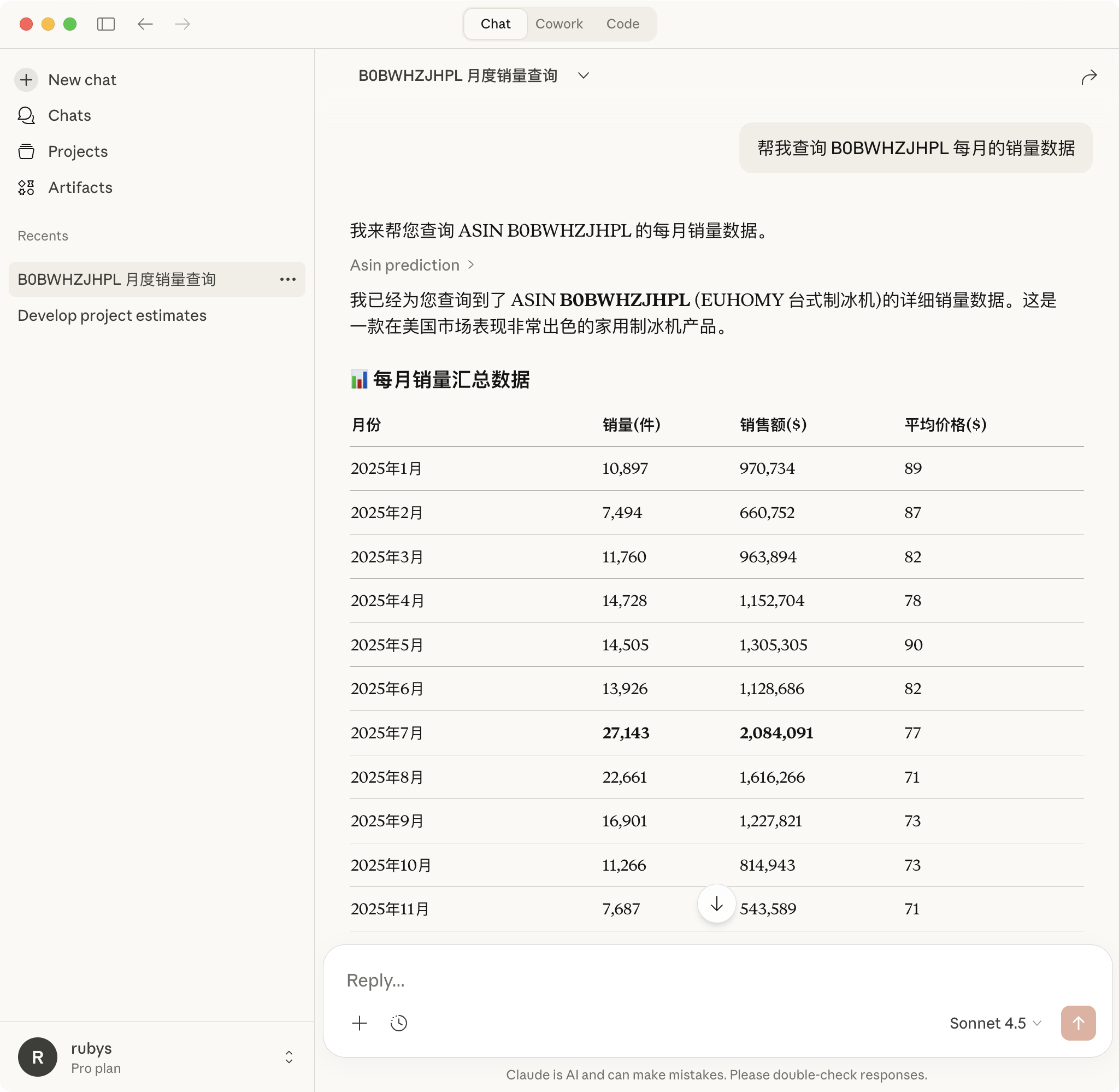
卖家精灵数据开放平台


Claude Configuration
一、Install and Configure Claude
Download Claude Desktop: Click to Download
二、After installation, please register or log in to your account.

三、Configure MCP in Claude
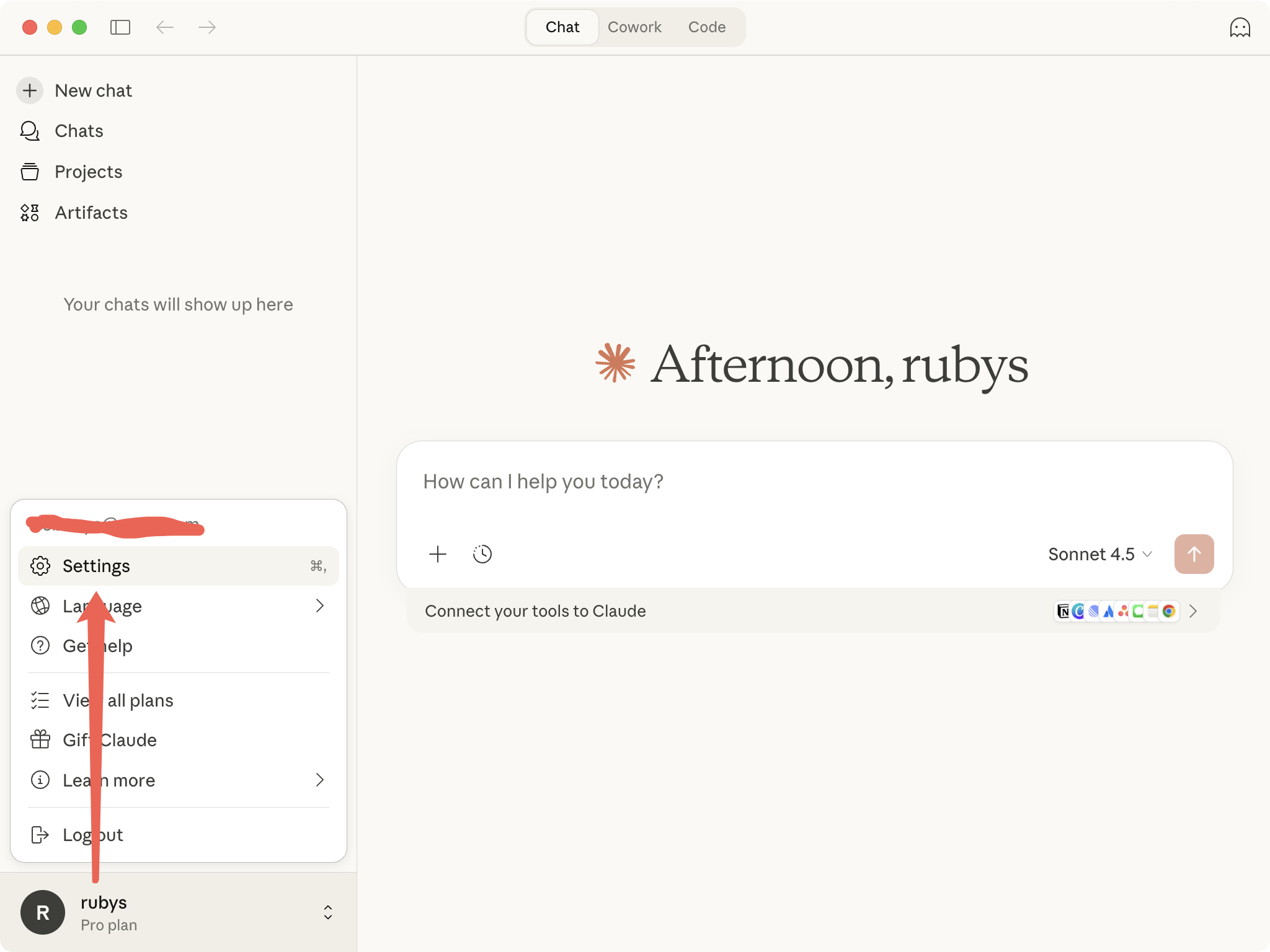
- Click the username in the bottom-left corner
- Click Settings
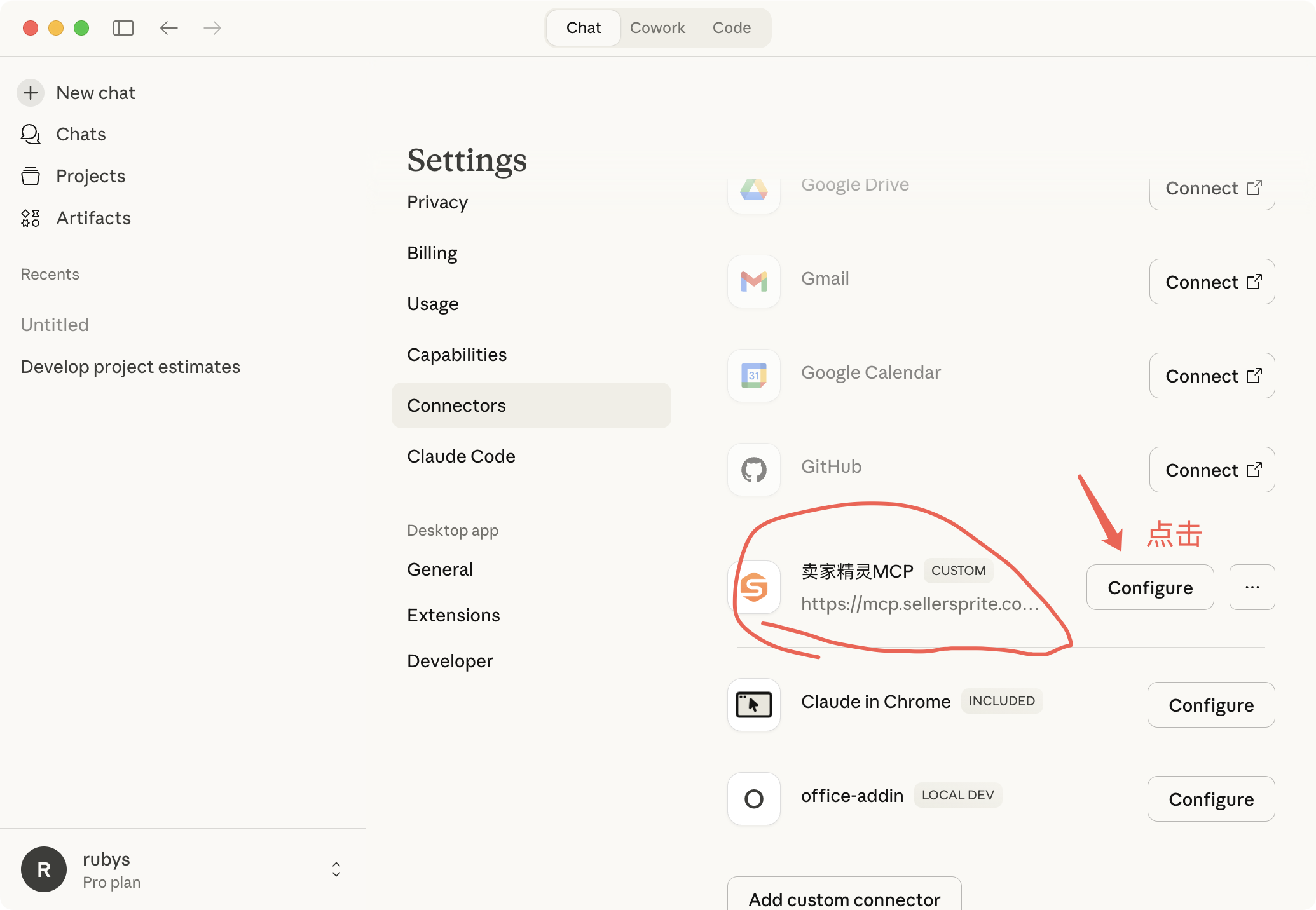
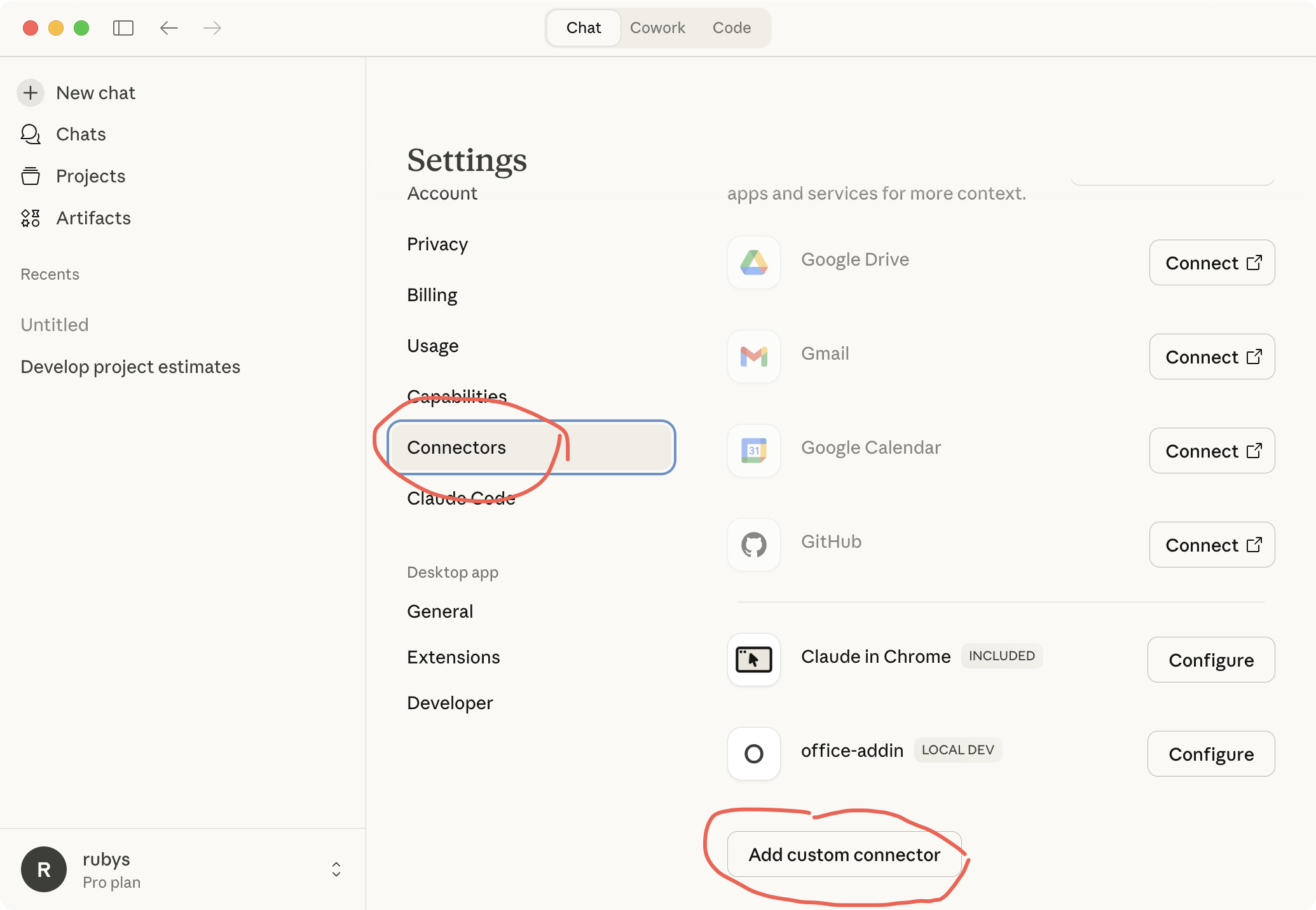
- Click:Connectors
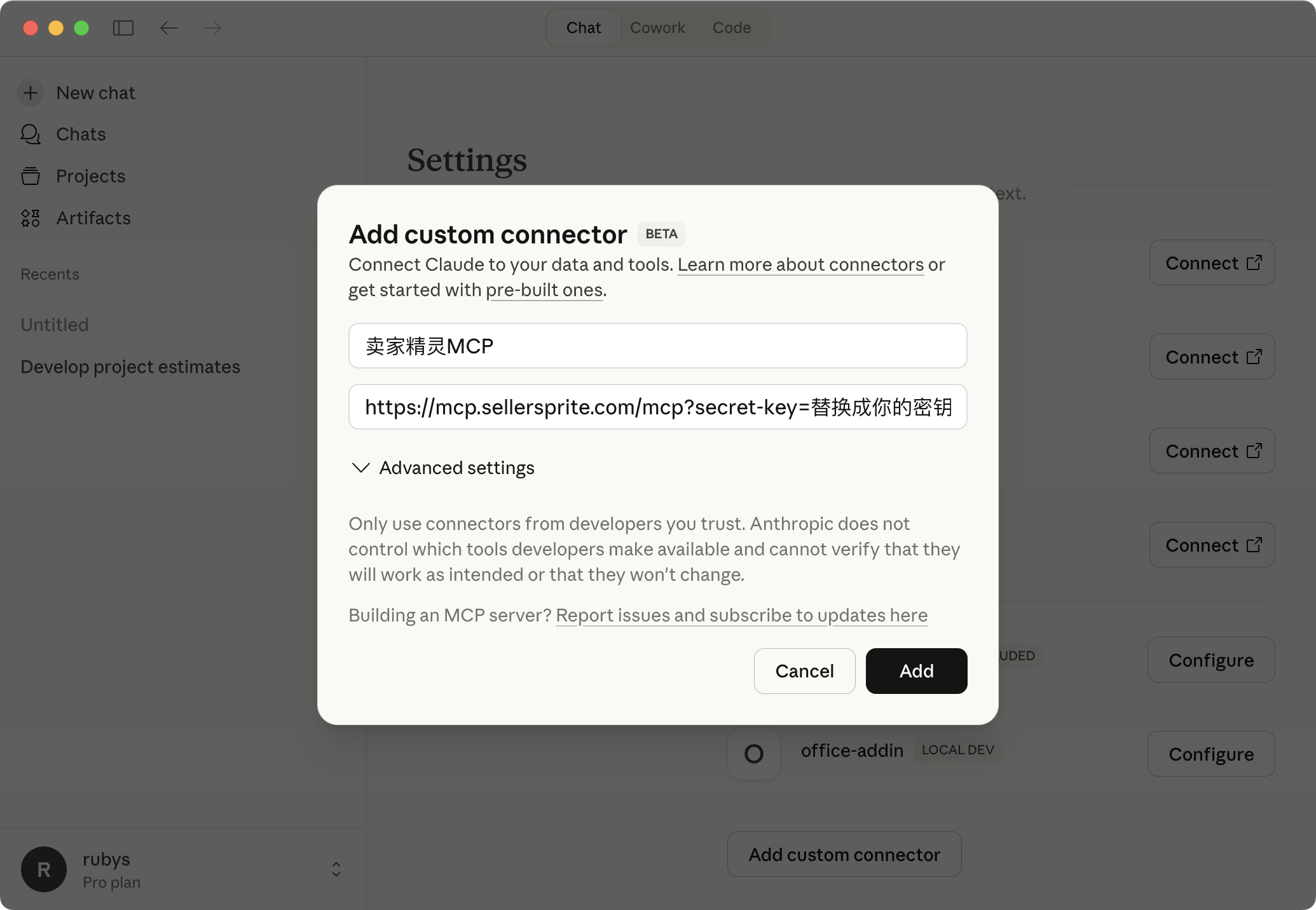
- Click:Add Custom Connector
- Name:sellersprite-mcp
- URL:https://mcp.sellersprite.com/mcp?secret-key=Replace this with your own secret key
- Click: Add